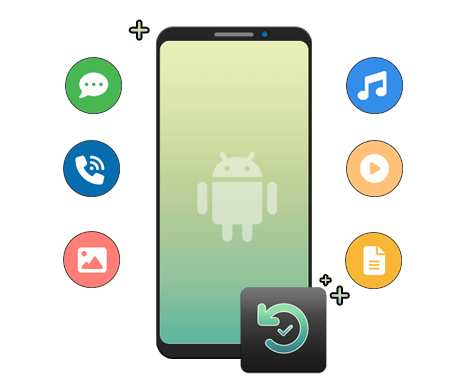
Samsung Data Recovery software is the best data recovery software for Samsung smartphones. This is the easiest and the most hassle-free way for Samsung phone data recovery.
Using this software, you can easily recover lost/deleted data on Android phones.
- It recovers deleted data including photos, call logs, contacts, videos, calendars, text messages, etc from Samsung phones.
- The software deep scans your phone for deleted data and restores them successfully on your phone.
- It provides a Preview option for selective recovery in order to avoid duplication.
- Besides Samsung, the software supports Sony, LG, HTC, Huawei, Motorola, Google Pixel, Xiaomi, and others.
- It is 100% safe and secure with a high recovery rate.
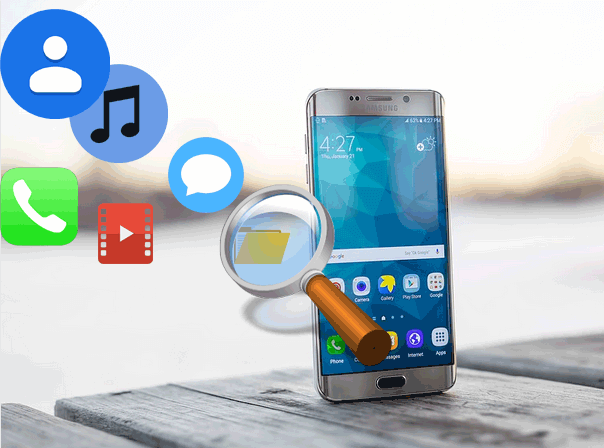
Why Choose Samsung Data Recovery?
The powerful and innovative features of this software make it the best and most recommended software in the market. So, let’s dig deep into its features.

Recovered Data Types
The software can recover a wide range of data from Samsung and other Android phones. The data includes videos, call logs, calendars, contacts, voice memos, notes, photos, music, calendar, text messages, WhatsApp messages, and many more.
It can recover 100+ file formats in no time with a few clicks.

Scanning & Preview Feature
This includes scanning features that scan your device for deleted data and recover them effortlessly.
Also, the software has a Preview option that allows users to preview the data before & after restoration. Moreover, the users don’t have to pay a single penny to scan and preview the recoverable data.

Selectively Recovery
It offers selective recovery options that allow users to select only the data that they want to restore instead of all data. This helps to avoid duplication and saves storage in your device.
Quick Scanning and Restoration Time
The software has a relatively quick scanning and restoration time. It saves time through quick scanning and selective data recovery.
Through selective recovery features, you can not only save time but also saves storage on your device.

Works on Rooted & Unrooted Devices
Samsung Data Recovery software works equally fine with rooted and unrooted devices. So, doesn’t matter whether your device is rooted or non-rooted, the data recovery process of the software works the same.

Supports 1000+ Android Phones
The software supports 6000+ Android phone models and tablets. Its seamless compatibility makes it more useful for Android users when it comes to recovering data.
The supported Android phones include Samsung, Sony, Nokia, HTC, Huawei, Motorola, LG, Google Pixel, Xiaomi, and many others.
Supported Samsung Models
Samsung Phone Models: Samsung Galaxy J2/J3/J5/J7, Samsung S8/S8+, Samsung Note 9, Samsung Galaxy A24 4G, Galaxy F14, Samsung Galaxy A54, Galaxy M04, Galaxy, A04e, Galaxy Z Flip4, Galaxy Xcover6 Pro, Galaxy S20 FE 2022, Galaxy S22 5G, Samsung Galaxy A12, Samsung Galaxy S21/S21 Plus/S21 Ultra, Samsung Galaxy Note 10/10+, Samsung Galaxy S10/S10+/S10e, Samsung Galaxy Note 5
Samsung Tablet Models: Samsung Galaxy Tab S6 5G, Samsung Galaxy Tab S6 LTE, Samsung Galaxy Tab S6, Samsung Galaxy Tab A 8.0 (2019) LTE, Samsung Galaxy Tab A 8.0 (2019) Wi-Fi, Samsung Galaxy View 2, Samsung Galaxy Tab A Plus 8.0 (2019) LTE, Samsung Galaxy Tab 10.1 (2019) LTE, Samsung Galaxy Tab A 10.5 (LTE), Samsung Galaxy Tab S4 (LTE), Samsung Galaxy Tab S4 (Wi-Fi), Samsung Galaxy Tab E, Samsung Galaxy Tab A 7.0 (2018), Samsung Galaxy Tab Active 2, Samsung Galaxy tablet 2, Samsung Galaxy Tab A 8.0 (2017), Samsung Galaxy Book 12 (Wi-Fi), Samsung Galaxy Tab S3 (LTE)
How Samsung Data Recovery Works?

Step – 1
Connect your Phone to PC using USB Cable.
Step – 2
Launch software and Scan for Deleted Files & Folders.
Step – 3
Preview & Choose the Data your want to restore.
Step – 4
Recover the deleted data on the desired location.
For Step-by-Step Complete Guide →
System Requirements
Make sure you have the required system requirements to install the software successfully on your system and use it. Check out the below system requirements for Samsung data Recovery software:
Windows: Win 11/10/8.1/8/7
Mac: Mac OS X 10.8 and above
Android: Android 2.1 and up to the latest