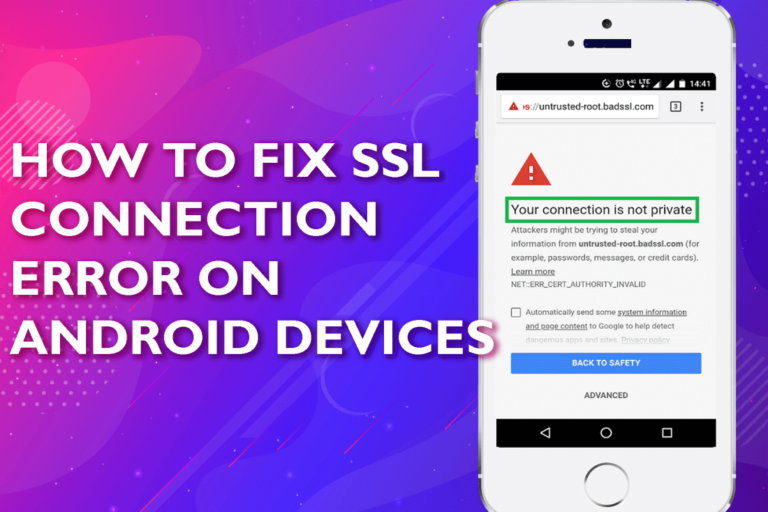
Android devices are the first choice for many smartphone users. Though users love Android phones/tablets, but these are also vulnerable to errors. And, SSL connection error on Android devices is one such error that is faced by many Android users. This error message triggers due to various reasons like insecure network connection, browser cache, and data, incorrect device date and time, etc. However, to fix this issue, you can change your network connection, reset network settings, clear the cache and data of your browser, update the browser and factory reset your phone.

James Leak is a technology expert and lives in New York. Previously, he was working on Symbian OS and was trying to solve many issues related to it. From childhood, he was very much interested in technology field and loves to write blogs related to Android and other OS. So he maintained that and currently, James is working for androiddata-recovery.com where he contribute several articles about errors/issues or data loss situation related to Android. He keeps daily updates on news or rumors or what is happening in this new technology world. Apart from blogging, he loves to travel, play games and reading books.