
Are you looking for quick fixes for Pandora error code 3005 on Android? Then you are in the right place, here you will get a complete guide to fix Pandora error 3005 on your android smartphone.
Many people have recently reported about this Pandora problem while streaming music using the Pandora application on Android.
There are numerous reasons behind this issue, such as unstable internet connection, problems related to the Pandora application, cached data, and running an outdated app.
But don’t worry!! Here, you will get a complete solution to fix Pandora Radio error code 3005 on Android. So, just read till the end.
How to Fix Pandora Error Code 3005 on Android?
Here are the best and easy solutions to fix error code 3005 Pandora. So, follow the below-given instructions carefully to troubleshoot this problem and resume playing your favorite music on Pandora Radio without any problem.
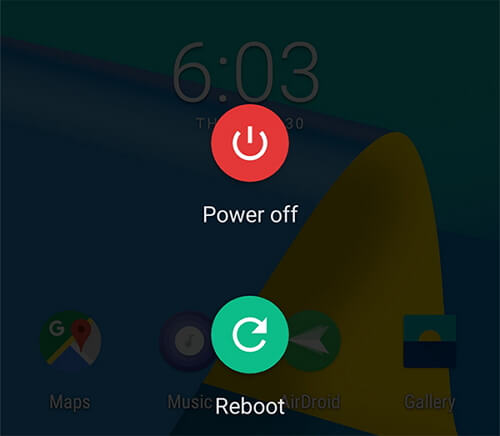
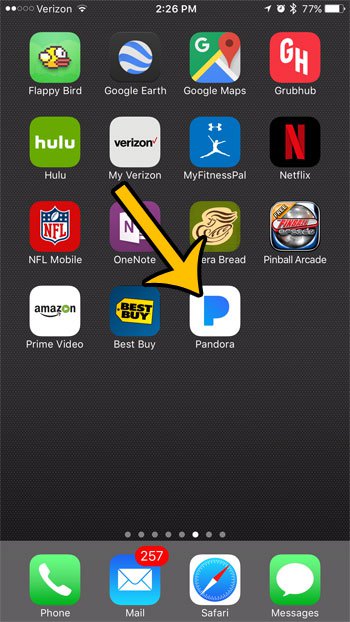
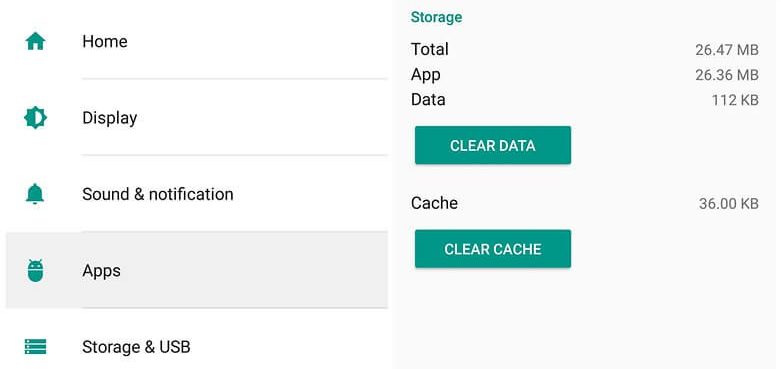
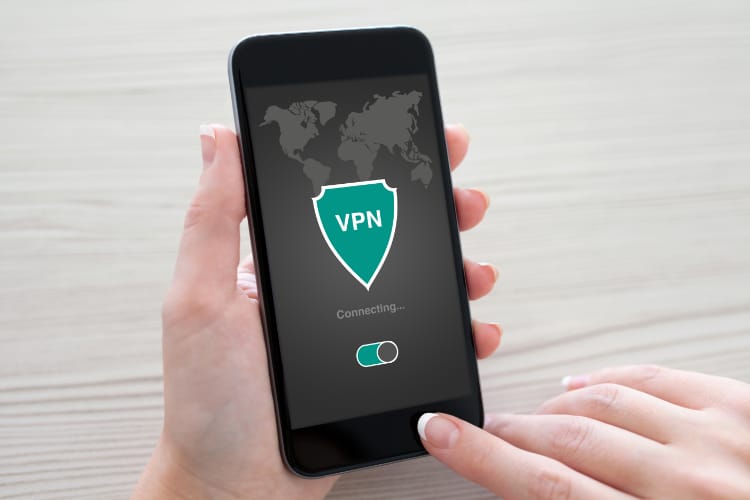
In this very first solution, I suggest you check your internet connection is stable or not. As you know, Pandora requires a good internet connection to work smoothly. If you have a weak or poor internet connection then you may face this Pandora error code 3005 on Android. If you are using mobile data, turn off the internet connection, and after a while turn it on. After doing this, if you are still facing the same problem then connect your Android phone to Wi-Fi. Restarting the Phone is one of the best ways to fix any type of error or issue on their smartphone. So, if you are also facing this problem on your Pandora Radio application then restart your Android phone. To restart your phone you just need to long-press on the Power button till you get more options. Here from the options click on the restart button. It will restart your phone and refresh your Android phone’s memory. After doing so, open the Pandora Radio application and see if the error still exists or not. If you face the same problem then try out further solutions. In this solution, I will recommend you to check whether the Pandora application is updated or not. Sometimes, due to the outdated application, you can lead to an error code 3005 in Pandora when logging into it. In this case, you have to update your Pandora application to its latest version. With the help of the below-given introduction, you can update the app easily. After you complete your update, open the application again and see whether your problem is fixed or not. Somehow if you still face the same problem then move down to the next solution. If your Pandora application has too many cache files and corrupted data then also you may lead to this problem. Since you are facing this Pandora Radio error code 3005 on Android mobile, so it is recommended you clear the cache files of this application to fix this issue. In order to clear all the cache files related to the Pandora application, just try the instruction below: After completing the process, your Pandora application will restart and delete all files related to it, and you will have a fresh start. Now open the app again and see if the error code still exists or not. Even after trying all the above solutions, if you are still facing the same problem, then you can use the VPN. This problem may also arise due to some kind of geolocation restrictions. When you try to open the application you may get an error code 3005 if the Pandora application is not supported in your location. In this case, VPN changes your server location from where you can easily use this application without any problem. Not only that, but VPN can also fix internet connection issues. There are several VPN apps for Android, but here I recommend Express VPN. To avoid this type of issue, you can use this versatile VPN app for your Android smartphone. If you tried all the above-mentioned solutions along with VPN, and you still face the same problem, then might be the problem is related to the Pandora Radio app itself. So, now try to uninstall the application and then reinstall it again. This will refresh your application and give you a fresh start. Here are the instructions to reinstall the Pandora application. To reinstall the Pandora application, follow the given steps. Once done, now check your error code 3005 Pandora will disappear completely without any problem. If you are facing an error and issue related to your Android smartphone and want to fix this problem without following a manual solution, then use this powerful Android Repair Tool. You don’t need any technical skills to use this tool. With the help of this powerful tool, you can solve various issues such as a black screen of death error; phone stuck in a boot loop, apps that keep crashing, etc. Just install it on your Android smartphone and the rest all leave on it. To know how it works, just follow the manual guide. Note: It is recommended to download and use the software on your PC or laptop only.
If your Pandora is not working on your Android smartphone then make sure your application is installed on the local memory of your phone, not on the SD card. If you are using a battery saver or task manager application on your Android, then make sure to disable them for Pandora application.
If you encounter Pandora error code 3007 on Android while trying to stream music in the Pandora Radio app. Here is the list from which you can easily fix this problem:
If your Pandora crashes or stops frequently, it is due to a weak or poor internet connection. To fix this Pandora keeps crashing problem on Android, here is the list from which you can solve this problem.
Due to Pandora licensing restrictions, some part of the song is unable for Radio. So, create a station from using which you can play the same song based on the artist or particular song.
If your Pandora Radio is not working Bluetooth connection of Android, then do follow the below-given instruction: So, now it’s time, to sum up… This is all about how to fix Pandora error code 3005 on Android. All the above mention solutions are well tested and most effective to fix Pandora error code 3005. If you don’t have any technical skills, then also you can apply them without any problem. So, it is suggested to use all the solutions one by one till you fix the problem. If you like this article, then do like and share this post with your friends. And also let us know which solution works best for you. Apart from this, if you have any questions or concerns related to this topic, please share your opinion with us on our official Facebook and Twitter page. James Leak is a technology expert and lives in New York. Previously, he was working on Symbian OS and was trying to solve many issues related to it. From childhood, he was very much interested in technology field and loves to write blogs related to Android and other OS. So he maintained that and currently, James is working for androiddata-recovery.com where he contribute several articles about errors/issues or data loss situation related to Android. He keeps daily updates on news or rumors or what is happening in this new technology world. Apart from blogging, he loves to travel, play games and reading books.Solution 1: Check the Internet Connection

Solution 2: Restart Your Android Smartphone
Solution 3: Update Your Pandora App
Solution 4: Clear Cache Files of Pandora App
Solution 5: Fix Pandora Error Code 3005 on Android Using a VPN
Solution 6: Reinstall App to Fix Pandora Error 3005 on Android


Best Solution to Fix Any Android Errors & Issues

Frequently Asked Questions:
Why is my Pandora not working on Android?
How to fix error code 3007 on Android?
How to fix Pandora keep crashing issue on android?
Why do some songs not play on Pandora?
Why does Pandora not working with Bluetooth?
Time to Conclude
