5 Best App Hider For Android In 2023

Best App Hider For Android

Are you searching for a good app hider for Android that can hide your installed apps on your Android phone?

Read more

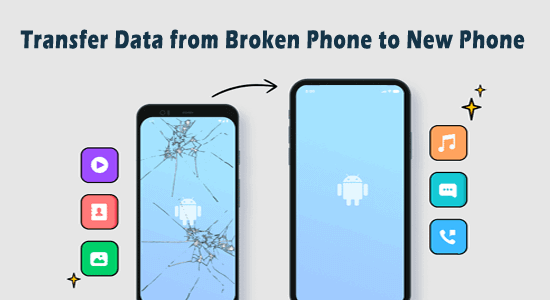
5 Easy Ways to Transfer Data from Broken Phone to New Phone

Transfer Data from Broken Phone to New Phone

Wondering how to transfer data from broken phone to new phone? Then stop wondering because this task won’t be any difficult for you with this article. This blog covers the easiest ways or methods for you to move your essential data from your broken phone to another device in no time.

Read more

Fix Bitmoji Not Working On Android – 10 Best Ways

Fix Bitmoji Not Working On Android

Lately, many users reported about Bitmoji not working on Android and iPhone. If you are experiencing the same problem on your device, then let me tell you that it is not a big deal. In this guide, I am going to show you how you can easily fix the Bitmoji keyboard/stickers stopped working issue.

Read more

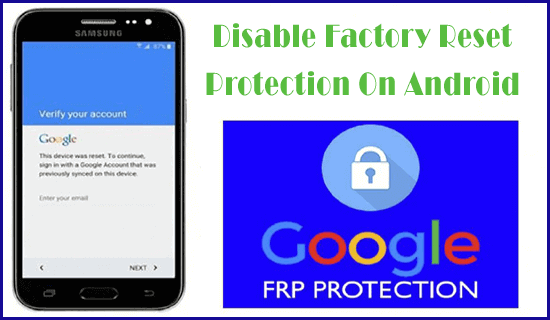
How To Disable Factory Reset Protection On Android [2023 Guide]

How To Disable Factory Reset Protection On Android

Google’s FRP (Factory Reset Protection) is a convenient built-in security feature on Android devices. Enabling this feature actually helps to protect your phone from unusual activities by unauthorized persons. However, in some circumstances, you may have to turn off this feature like if you plan to sell your mobile or it locks your phone. Therefore, in this tutorial, we’ll cover all about how to disable factory reset protection on Android and how to remove factory reset protection on Android using Android Unlock Tool.

Read more

9 Ways To Fix This Purchase Was Not Completed Roblox Effectively

Fix This Purchase Was Not Completed Roblox

Are you getting this error message “This purchase was not completed Roblox” or “Your purchase cannot be completed”? If you are encountering such errors while making a purchase on Roblox then no need to worry. As it is an ordinary problem that most users face while making purchases on Roblox.

Read more

3 Ways to Fix Firmware Upgrade Encountered an Issue on Samsung

Firmware Upgrade Encountered An Issue On Samsung Phone

Yesterday, when I was trying to use Kies in order to upgrade the firmware on my Samsung device, suddenly I was stuck with a peculiar error “Firmware Upgrade Encountered an Issue Please Select Recovery Mode in Kies and Try Again”. Below you can see the real interface of that error that I received:

Read more