4 Effective Solutions To Fix USB Debugging Option Greyed Out Issue

4 Effective Solutions To Fix USB Debugging Option Greyed Out Issue

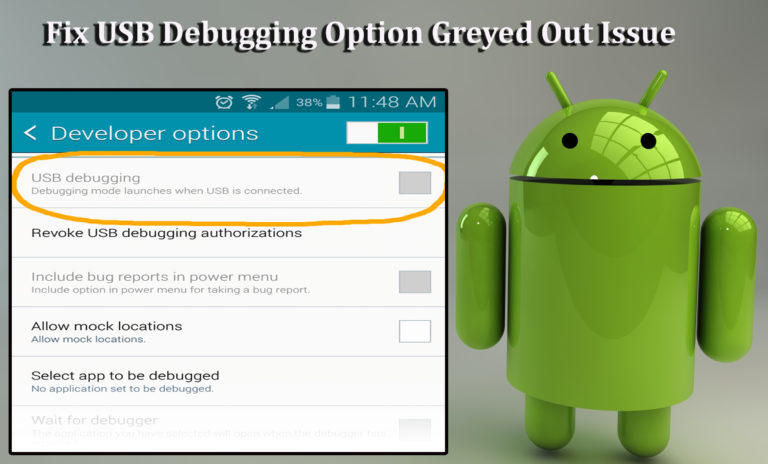
Are you facing the USB debugging option greyed out issue on your Android device? Want to know about the best solutions to solve USB debugging greyed out problem?

If your answer is “Yes” to the above queries, then you are at the right place…!!

Read more

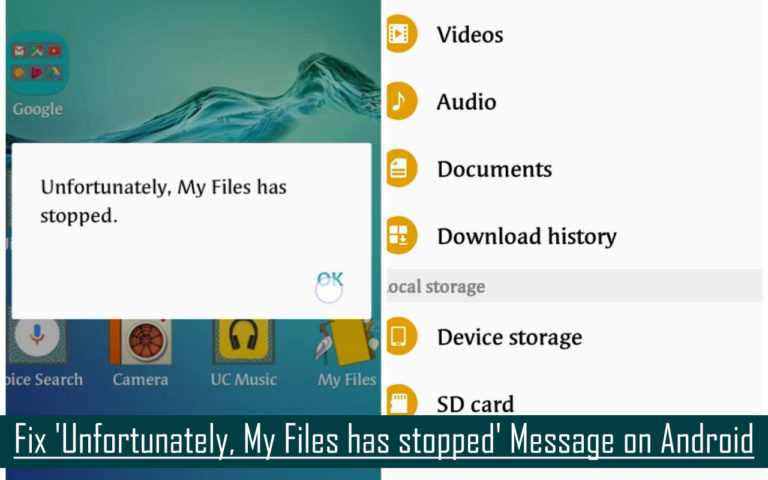
Fix ‘Unfortunately, My Files has stopped’ Message on Android

get rid of unfortunately my files has stopped working

Summary: If you are encountering the error message “Unfortunately, My Files Has Stopped” on Android including those from Samsung phone. Don’t worry! This page will guide you through the solutions to on how to fix Unfortunately, My Files Has Stopped error message on Android.

Read more

Fixed- Android Process System Isn’t Responding Error In 9 Ways

Fixed Process System Isn't Responding Android Error

The “process system isn’t responding do you want to close it” is an annoying error message that totally ruins your Android experience while launching any recently installed app. This error message mainly appears due to insufficient storage space, outdated apps, and software conflict. However, it can easily be fixed by restarting the phone, checking SD card, or doing a factory reset on your device.

Read more

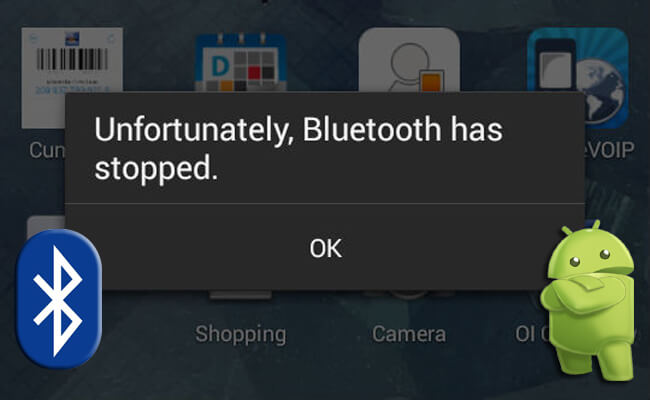
100% Fixed: How To Fix “Unfortunately, Bluetooth has stopped” Error on Android

Simple Ways To Fix Unfortunately Bluetooth Has Stopped on Android

Summary: Few weeks back I’ve shared the helpful guide on how to fix “Unfortunately, Messenger Has Stopped” error on Android and today I will share the helpful and very effective solutions on how to fix “Unfortunately, Bluetooth has stopped” error on Android. Just follow the below mentioned solutions and steps.

Read more

10 Most Common Android Nougat Problems And Their Solutions

common-android-nougat-issues-and-their-fixes

Last year, in the month of August, Android 7.0 Nougat was released and now it has already got updated to Android 7.1, thanks to Google’s new Pixel smartphones. Since, the release of Nougat, both 7.0 and 7.1 are running on most number of devices, particularly on Motorola, Samsung, HTC devices.

Read more

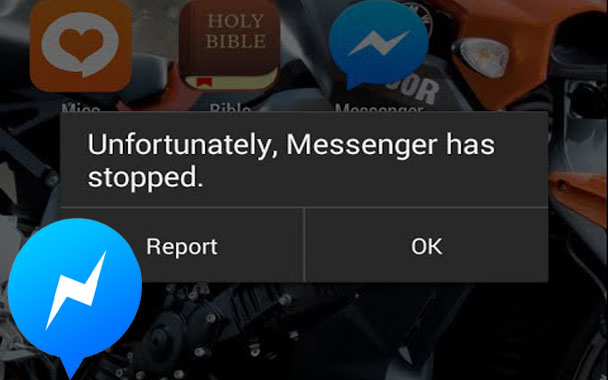
100% Solved: “Unfortunately, Messenger Has Stopped” Error on Android

fixed-messenger-has-stopped

Summary: In one of my earlier posts I have written about how to recover deleted data from Facebook Messenger, and today in this post I am going to share a few, but very much effective solutions on how to fix “Unfortunately, Messenger Has Stopped” on Android. Just follow the solutions and steps mentioned below.

If you are using the Facebook messenger app on your Android, then there could be chances that you have received the error message “Unfortunately, Messenger Has Stopped” while using the Facebook messenger application on your Android phone or tablet.

Read more

Fix Process com.google.process.gapps Has Stopped Error On Android

fixed-unfortunately-the-process-com.google.process.gapps-has-stopped

How many of you, Android users out there are getting the following error messages:

  • ‘Unfortunately, the process com.google.process.gapps has stopped’
  • ‘com.google.process.gapps has stopped unexpectedly’

Well, I believe many of you are getting the above-mentioned error messages on your Android phones/tablets.

As I have found many users asking for the solution on several forums and community websites – how to fix ‘Unfortunately, the process com.google.process.gapps has stopped’ on Android.

Read more

Fixed “Unfortunately App Has Stopped” Error On Android [11 Ways]

Fix Unfortunately App Has Stopped Error

Unfortunately, App has stopped error on Android is the most common error faced by Android users. But this issue can be easily addressed for any app by restarting your phone, clearing the particular app’s cache, updating your phone, resetting the app, etc. For complete steps of these fixes, check out this post.

Read more

Fix “Unfortunately The process.com.android.phone Has Stopped” Error

steps-to-fix-unfortunately-the-process-com-android-phone-has-stopped

Overview: If you are here then, you might be getting this error message “Unfortunately the process.com.android.phone has stopped” on your Android smartphone or tablet.

Well, you don’t need to get panic over this error, as it is no big deal and can be fixed easily. In this blog, you will learn about why this error occurs and different methods to fix it. So, let’s go.

Read more