If you have switched from Android to iPhone and now wondering how to transfer WhatsApp from Android to iPhone, use Android Transfer. Also, read this article thoroughly to know the other transferring methods.
13 Ways to Fix Apps Keep Crashing On Android Devices
Android devices are all about apps. But have you ever wondered what will you do if apps keep crashing on Android? Well, if you have ever faced such an issue, you must have an idea how annoying is this. However, such problems can easily be resolved by re-launching, clearing the app cache, and updating the app.
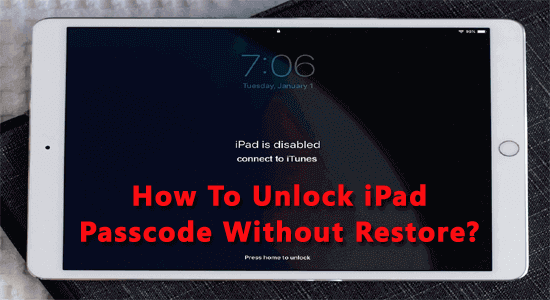
4 Ways to Unlock iPad Passcode Without Restore
Securing iPad with a passcode is important in order to protect your data from unauthorized access. But the problem arises when you forgot your own iPad passcode. So, today in this blog I am going to discuss how to unlock iPad passcode without restore.
So, check out the mentioned ways one by one and follow them to get access to your iPad data without losing them.
5 Methods on How To Retrieve Deleted Voicemails Android
Voicemail is one of the important features of your Smartphone. You can send and receive voice messages to & from your friends, family, and anyone using voicemail. However, there is also a chance of data deletion. So, if you have accidentally deleted voicemails from your Android phone, use the Phone app or third-party software to retrieve the lost voicemail. Also, read the blog thoroughly to know how to retrieve deleted voicemails on Android phone.
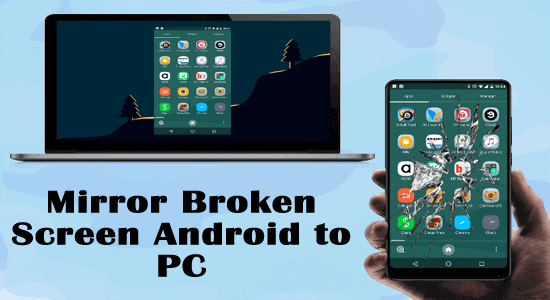
[3 Easy Ways] How to Mirror Broken Screen Android to PC?
If you got your Android screen broken and now thinking about how to mirror broken screen Android to PC, go for the MirrorGo app. With MirrorGo you can easily be able to view your Android broken screen on your PC/laptop.
[2023 Guide] 6 Fixes For Fitbit Versa Won’t Turn On!
Fitbit Versa is one of the popular health trackers in today’s generation used worldwide by lots of users. But recently, users are reporting for Fitbit Versa not turning on problem. The problem is common and can be solved simply by restarting the device, charging your Fitbit Versa, cleaning the ports, etc. However, read this blog completely for more workable solutions to escape the problem.
11 Ways To Fix “Snapchat Failed To Send” Error!
If you are trying to send messages on Snapchat but getting the “Failed to send – tap to try again” error message, it must be because of poor internet connectivity or a server outage issue. Here, using a stable internet connection, checking the Snapchat server, or using the updated app will help you escape the issue. However, read the complete article for more relevant solutions to fix the error.
Unlock OnePlus Bootloader With 6 Easy Steps!
If you are using a OnePlus device and thinking to bypass its bootloader, must go through this blog to know the ways to unlock OnePlus bootloader. However, you can easily unlock the bootloader with a few simple fastboot commands.