3 Ways How to Check AirPods Battery on Android

how to check airpods battery on Android phone

Want to keep track of the battery life while using AirPods with an Android phone? Wondering if it’s even possible to check the battery levels of Apple AirPods in your Android phone? Don’t worry; it’s possible and way easier than you might think. 

Read more

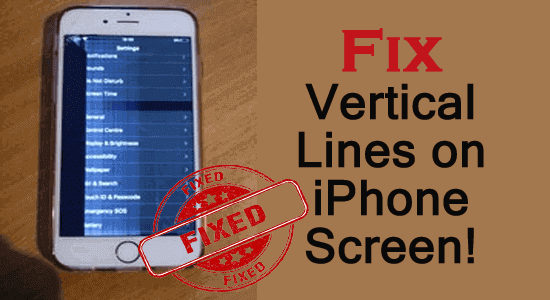
8 Tricks To Fix Vertical Lines on iPhone Screen!

Fix Vertical Lines on iPhone Screen!

Vertical lines on iPhone screen can be caused due to any hardware or software issues on your phone. Readjusting iPhone’s LCD screen, cycle charging the battery, and updating the iOS software are a few ways to get rid of this issue. However, if you want to know more fixes in detail you need to read this blog completely.

Read more

How to Fix Android “Blue Screen of Death” [7 Best ways]

Blue Screen of Death

Android “Blue Screen of Death” is a kind of serious issue that usually occurs due to hardware/software-related issues, system crashes, OS errors, battery problems, etc. It can easily be fixed by performing a few manual tricks like – Restarting the phone, reinserting the phone’s battery, SIM card, or SD card & other fixes mentioned in this blog.

If you are facing this issue on your phone then you must read this post to know how to fix Android “Blue Screen of Death” easily.

Read more

9 Ways to Fix YouTube Error Loading Tap to Retry iPhone

YouTube Error Loading Tap to Retry iPhone

If you are stuck with an “Error loading. Tap to Retry” on YouTube while streaming videos on iPhone, it must be because you are using an outdated YouTube app version. So, here we suggest you update the app to the latest version to get rid of the YouTube error loading tap to retry iPhone.

Read more

9 Ways to Fix AOL Mail Not Working on Android

Fix AOL Mail Not Working on Android

AOL mail not working on Android is an issue that people face very often. The problem is mainly caused due to bad internet connectivity on your Android phone or server downtime on the AOL app. So, if you are one of those troubled users, make sure to have a strong and stabilized internet connection or check the server issue to get past the problem.

Read more

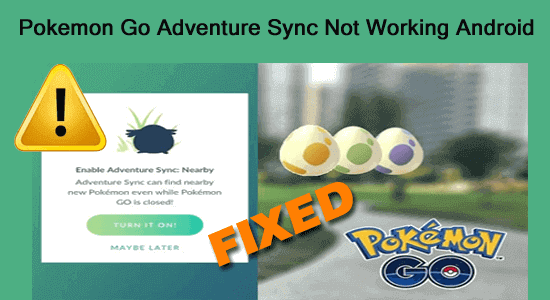
10 Ways to Fix Pokemon Go Adventure Sync Not Working Android

Pokemon Go Adventure Sync Not Working Android

Recently many Pokemon Go players are reported for adventure sync not working issue. The problem is mainly the result of an outdated app version or incorrect date and time on your Android device. So, if you are one of the troubled users, try fixing the Pokemon Go adventure sync not working Android by updating your app to the latest version or setting your Android device date and time to the current GMT or time zone.  

Read more

7 Ways To Fix Problem Communicating with Google Servers on Android

Problem Communicating with Google Servers on Android

The problem communicating with Google servers on Android occurs when users try to log in to their Google account but fails to establish a connection with the Google servers thereby getting this error. The error occurs with a small error message stating “There was a problem communicating with Google servers. Try again later.” Well, you can deal with this situation by stabilizing your net connection or reinstalling Google Play Services.

Read more

5 Ways To Transfer Data From Old Phone To Nothing Phone (1)

Transfer Data From Old Phone To Nothing Phone (1)

Recently if you have bought Nothing phone 1 and want to transfer data from old phone to Nothing phone (1) without any difficulty then check out this post.

Generally, users used to switch mobile devices to enjoy & experience the new features of the recently released device. Though it also means they’ve to move a lot of data from their old phone to a new one they just bought.

Read more

How to Recover Deleted Data From Nothing Phone (1)?

Recover Deleted Data From Nothing Phone (1)

If you have accidentally deleted your data from Nothing Phone (1) and are worried about how to get it back then you must try an effective Android Data Recovery Tool. It will surely recover your lost data from Nothing Phone (1) in no time. Also, read the complete blog for more working solutions.

Read more