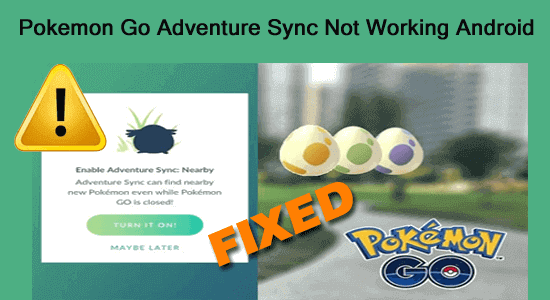
10 Ways to Fix Pokemon Go Adventure Sync Not Working Android

Pokemon Go Adventure Sync Not Working Android

Recently many Pokemon Go players are reported for adventure sync not working issue. The problem is mainly the result of an outdated app version or incorrect date and time on your Android device. So, if you are one of the troubled users, try fixing the Pokemon Go adventure sync not working Android by updating your app to the latest version or setting your Android device date and time to the current GMT or time zone.  

Read more

7 Ways To Fix Problem Communicating with Google Servers on Android

Problem Communicating with Google Servers on Android

The problem communicating with Google servers on Android occurs when users try to log in to their Google account but fails to establish a connection with the Google servers thereby getting this error. The error occurs with a small error message stating “There was a problem communicating with Google servers. Try again later.” Well, you can deal with this situation by stabilizing your net connection or reinstalling Google Play Services.

Read more

How to Recover Deleted Data From Nothing Phone (1)?

Recover Deleted Data From Nothing Phone (1)

If you have accidentally deleted your data from Nothing Phone (1) and are worried about how to get it back then you must try an effective Android Data Recovery Tool. It will surely recover your lost data from Nothing Phone (1) in no time. Also, read the complete blog for more working solutions.

Read more

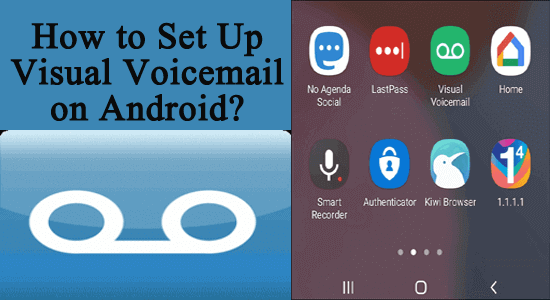
How to Set Up Visual Voicemail on Android?

How to Set Up Visual Voicemail on Android?

Visual Voicemail allows you to view and listen to your voicemail messages on your Android device. In order to set up visual voicemail on your Android device, you have to download and install the voicemail app on your smartphone and follow the step-by-step process described below.

Read more

5 Ways to Fix Android Bluetooth Connected No Media!

“Android Bluetooth connected no media”

The “Android Bluetooth connected no media” issue occurs mainly when your Android device is connected to multiple Bluetooth devices at the same time. Previously connected devices conflicts with the currently connected device and won’t let it play the audio thereby triggering Bluetooth connected no media Android issue.

Read more

How to See Old Notifications on Instagram? [5 Tricks]

How to See Old Notifications on Instagram?

Instagram is a popular social media app that provides its users with the privilege to post, comment, share, like, chat, etc. So, users get notifications when someone follows, likes, comments, or DMs, them on Instagram. Hereby, you may get hundreds of notifications in a day. However, going through all of them might sometimes seem tiring & time taking.

Well, if you missed going through some of your notifications and now wondering how to see old notifications on Instagram then you are on the right page. The blog covers all the possible ways through which you can view past Instagram notifications on Android.

Read more

14 Best Tricks to Fix “Couldn’t Post Comment Tap To Retry” Error On Instagram

Instagram couldn't post comment

Is your Instagram app restricted you from adding a comment to the post? Continuously throwing an error message like “Instagram Couldn’t Post Comment” or “Couldn’t Post Comment Tap to Retry” whenever you are trying to comment?

If yes, then don’t worry! You have reached the correct web page. Today, in this article I am going to share the 14 best tricks to fix the “Instagram couldn’t post my comment” issue.

Read more

10 Ways To Fix “SIM Not Provisioned MM#2” Error On Android

Solve “SIM Not Provisioned” Error On Android

Every smartphone needs a SIM card so that you can make calls and use the internet. But sometimes, users come across “SIM not provisioned” or “SIM not provisioned MM#2” error messages on their Android phones and tablets.

Read more

13 Ways to Fix Instagram “challenge_required” Error [2023]

Fix Instagram “Challenge_required” Error

Instagram challenge_required error mainly triggers due to weak internet connection, using an outdated version of the Instagram app, a down Instagram server, or corrupt cache and data of the Instagram app. However, the error can easily be fixed by checking the internet connection, restarting the app & Android phone, clearing the Instagram app cache, updating the app, checking the Instagram server status, etc. For more useful fixes, read this article till the end.

Read more