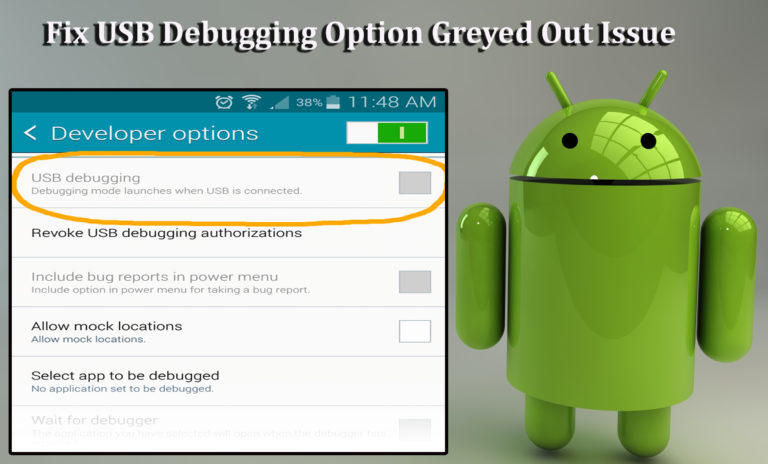
Are you facing the USB debugging option greyed out issue on your Android device? Want to know about the best solutions to solve USB debugging greyed out problem?
If your answer is “Yes” to the above queries, then you are at the right place…!!
Are you facing the USB debugging option greyed out issue on your Android device? Want to know about the best solutions to solve USB debugging greyed out problem?
If your answer is “Yes” to the above queries, then you are at the right place…!!

Summary: In this specific article post, we will talk about BluBorne Virus and how to remove and protect Android device from BlueBorne virus. Also you will come to know about which OS platform is vulnerable to BlueBorne virus and how to check your Android device is infected with this virus or not.

The “process system isn’t responding do you want to close it” is an annoying error message that totally ruins your Android experience while launching any recently installed app. This error message mainly appears due to insufficient storage space, outdated apps, and software conflict. However, it can easily be fixed by restarting the phone, checking SD card, or doing a factory reset on your device.

Summary: You might know about the normal steps on how to enable USB debugging on Android. But here, the scenario is different. We have done research and we have found that there are many Android users whose Android device’s screen gets locked and they cannot access their data stored within the device as well as they cannot connect their Android phone to PC. Hence, in this post you are going to learn about different solutions on how to enable USB debugging on locked Android phone.
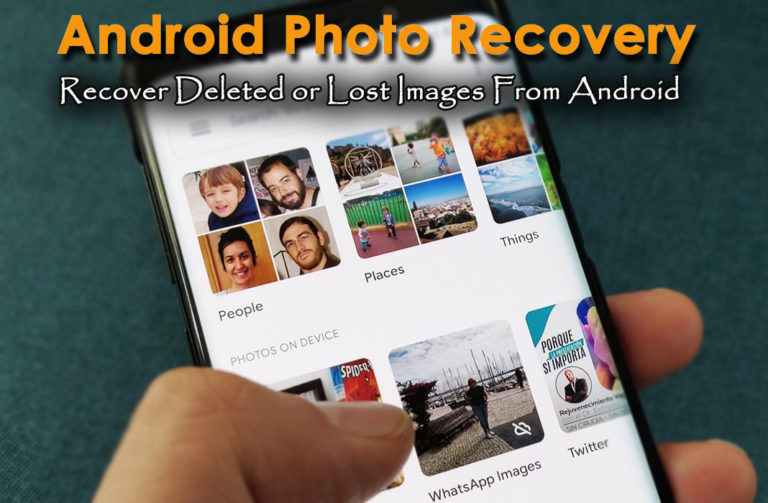
Photos are essential for almost every Android phone user and nobody wants to lose them at any cost. But if your precious moments are lost or deleted from Android smartphone then you have come to the right place. Here in this blog, I am going to discuss how to recover lost photos from Android phones using Android Photo Recovery. And will also look at some other ways as well to retrieve missing pictures from Android.
 btn_img
Note: It is recommended to download and use the software on your PC or laptop. It is because recovery of phone data on the phone itself is risky as you may end up losing all your data because of data overriding.
Last year, in the month of August, Android 7.0 Nougat was released and now it has already got updated to Android 7.1, thanks to Google’s new Pixel smartphones. Since, the release of Nougat, both 7.0 and 7.1 are running on most number of devices, particularly on Motorola, Samsung, HTC devices.